
Check In Qld: Free QR Contact Tracing App
The Check In Qld app is a government-developed digital tool designed to support public health efforts in Queensland, Australia. It enables users to quickly and securely register their attendance at venues and events by scanning QR codes. This system plays a vital role in contact tracing during the ongoing pandemic, helping health authorities identify potential exposure risks.
The app is intended for everyday citizens, particularly those visiting public spaces such as restaurants, retail stores, gyms, and entertainment venues. Developed by the Queensland Government, it aligns with broader public health directives aimed at safely reopening businesses while maintaining community safety. Real-world usage includes scanning QR codes at entry points, verifying vaccination status, and supporting health investigations when needed.
The app ensures that data is only used for contact tracing and is automatically deleted after 56 days. No personal information is shared beyond authorized public health officials.
Key Features & Capabilities
- QR Code Scanning for Venue Registration – Users can scan venue-specific QR codes to log their visit, providing essential data for contact tracing in case of a confirmed case.
- Secure Data Handling – All attendance records are transmitted directly to Queensland Health and stored securely for up to 56 days before automatic deletion.
- Integrated Digital Vaccination Certificate – Users can store and display their official COVID-19 vaccination status within the app, streamlining verification at venues.
- Compliance with Public Health Directives – The app supports government-mandated health protocols, helping venues and individuals meet legal requirements during the pandemic.
- Multi-Venue Support – For large or multi-functional sites, multiple QR codes can be used to track attendance across different sections or areas.
These features allow users to contribute to community safety with minimal effort. Scanning a QR code takes seconds and requires only camera access. The digital certificate function eliminates the need to carry physical proof of vaccination. This integration supports both personal responsibility and public health infrastructure, especially during periods of increased transmission risk.
User Interface, Workflow & Performance
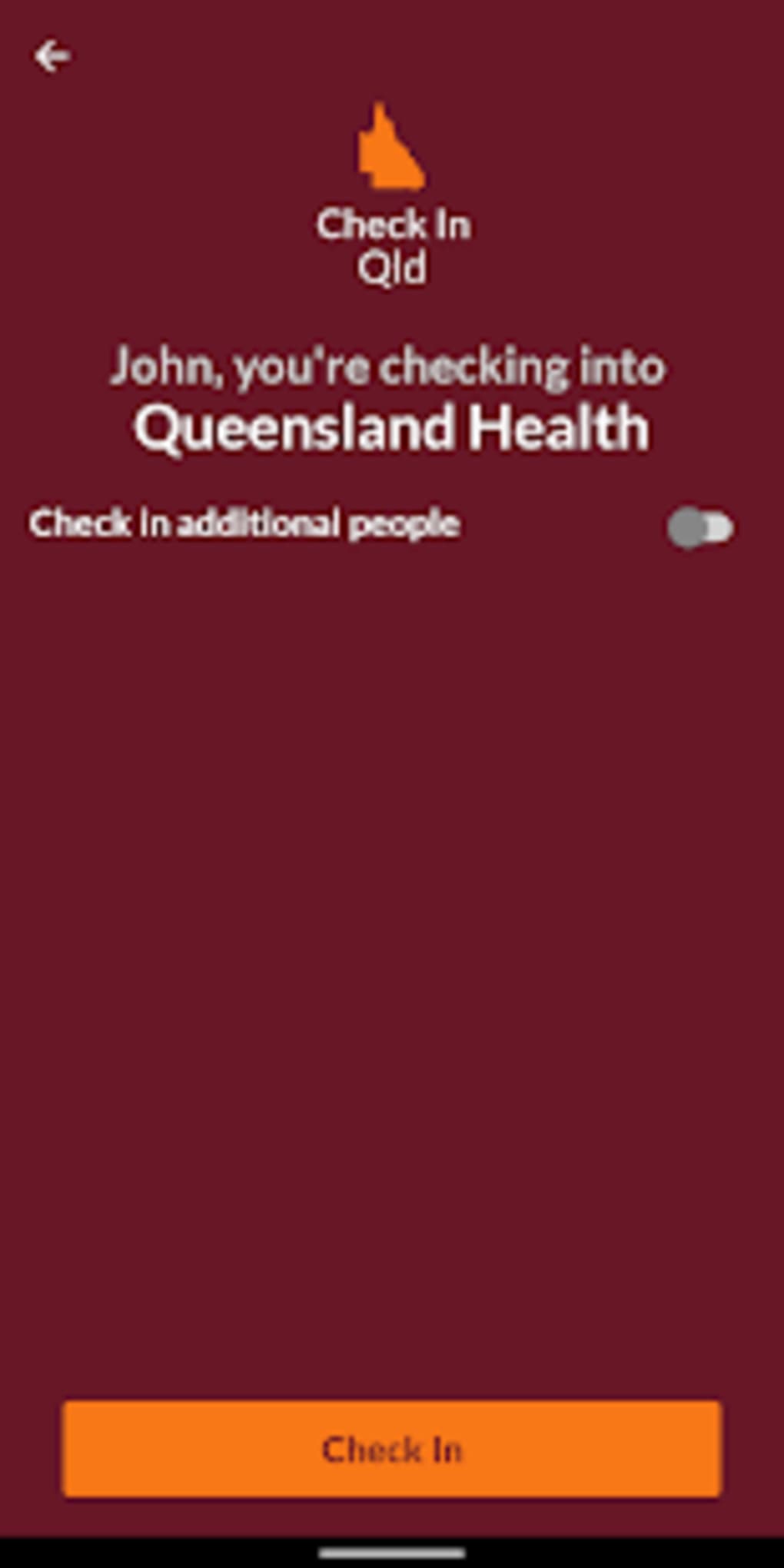
The app features a clean, intuitive interface focused on simplicity and speed. Navigation is straightforward, with a central scan button and access to the digital certificate displayed prominently. The workflow begins with opening the app, granting camera permission, and scanning the venue’s QR code.
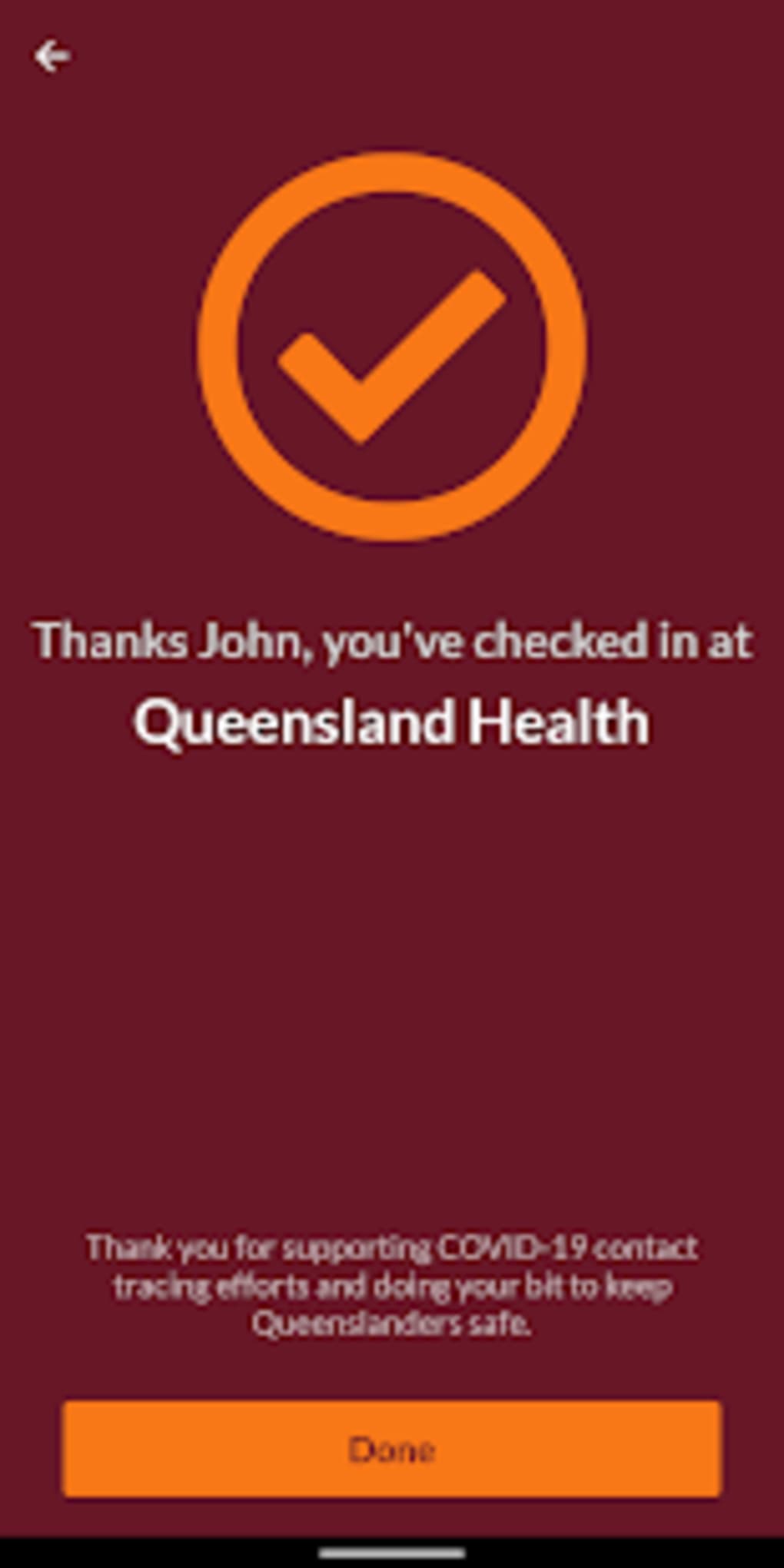
After scanning, the user is prompted to confirm their details, which are then securely transmitted. The process is designed to be completed in under 10 seconds. No additional steps are required unless the user chooses to add or update their vaccination certificate.
The developer did not specify resource usage details, so exact performance metrics like CPU or RAM consumption remain unknown. However, based on typical mobile app behavior, the app is expected to operate efficiently on modern devices. Stability and reliability are assumed to be high, given its government-backed development and purpose.
No reports of crashes or bugs have been publicly documented.
Compatibility & System Requirements
Check In Qld is available for both Android and iOS devices. The current version is 2.0.0, with a file size of 22.4 MB. This lightweight installation makes it accessible even on devices with limited storage.
The developer did not provide detailed system requirements, so compatibility with specific hardware or OS versions cannot be confirmed. It is recommended to ensure your device is running a supported version of Android or iOS to maintain full functionality. No additional software or hardware dependencies are required beyond standard mobile device capabilities.
The app does not require a persistent internet connection after scanning, but initial data transmission and certificate updates depend on connectivity.
Pros and Cons
Pros
- Completely free to download and use
- Developed by the Queensland Government for trusted reliability
- Supports contact tracing to help contain virus spread
- Integrated digital vaccination certificate for easy verification
- Lightweight at only 22.4 MB
- Automatic data deletion after 56 days for privacy protection
Cons
- No information provided about offline functionality
- Camera permission required for core functionality
- Dependent on venue operators to display valid QR codes
- Requires regular updates to maintain compatibility and features
- Only available for Android and iOS devices
FAQ Section
Is Check In Qld safe to use?
The app is developed by the Queensland Government and uses secure protocols to transmit data directly to Queensland Health. All information is stored for a maximum of 56 days and then permanently deleted. No data is shared with third parties.
Can I use Check In Qld without a smartphone?
Currently, the app is only available for Android and iOS devices. Users without smartphones may need to rely on alternative methods, such as paper registers, depending on venue policies.
Do I need to update the app regularly?
Yes, it is recommended to keep the app updated to ensure access to the latest features, security patches, and compatibility with new QR code systems.
What happens to my data after 56 days?
Any attendance records stored in the system are automatically and permanently deleted after 56 days, in line with privacy regulations.
Can I use Check In Qld for events outside Queensland?
The app is specifically designed for use in Queensland, Australia. It may not be recognized or accepted at venues outside the state.
Final Thoughts + CTA
Check In Qld stands out as a reliable, government-backed solution for contact tracing during the ongoing pandemic. Its seamless integration of QR scanning and digital vaccination verification makes it an essential tool for residents and visitors in Queensland. The app is lightweight, free, and built with privacy in mind.
While it relies on venue operators to implement QR codes, its role in supporting public health efforts is significant. For anyone visiting public spaces in Queensland, using this app is a simple yet effective way to contribute to community safety. Download Check In Qld now.







